Ring up a sale fast
Search by name, code, or barcode, set quantities and discounts, and choose a walk-in or named customer. Unfinished sales are saved as you go, so you can serve someone else and come back.
One connected record
Ledgeo connects the work that begins with a product or customer and ends with a payment, a delivery, a stock update, and a useful report, whether the sale happened at the counter, in your online store, or through a shared link.
Use Ledgeo from a phone at the counter, an iPad in the stockroom, or a laptop at your desk. Your records stay familiar wherever you open them.
See who it is forSell and collect
Go from a sale to the final payment without losing the details in between.
Search by name, code, or barcode, set quantities and discounts, and choose a walk-in or named customer. Unfinished sales are saved as you go, so you can serve someone else and come back.
Keep line items, delivery details, discounts, notes, and the invoice status in one place, and share a copy as a file whenever a customer asks.
Record full or partial payments and see exactly what remains outstanding. Overdue invoices are one tap away, so collections never depend on memory.
Record a return, replacement, credit, or refund against the original invoice. The customer's balance and your stock update together.
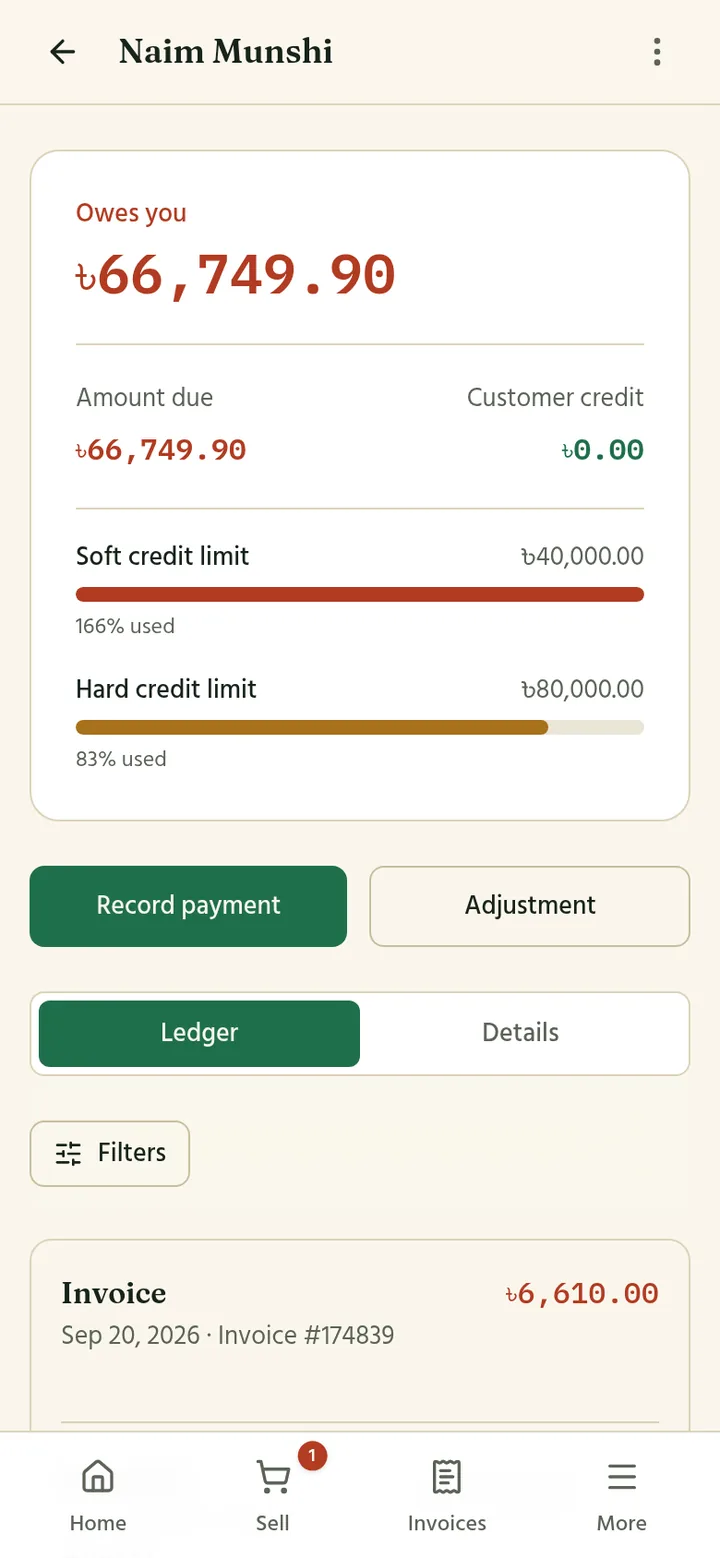
Set a soft and a hard limit for a customer's outstanding balance and see how much of it is used before you agree to the next sale.
Download a customer statement when both sides need a clear view of the account, with every invoice, payment, return, and adjustment in the order it happened.
Your own online store
Publish the products you choose and Ledgeo gives you a store at your own address, such as yourshop.ledgeo.app, or under your own website name. Every order lands in the same place as your counter sales.
Your logo, your colours from a set of ready palettes, a light or dark look, product photos and a short video, and About, Contact, and Policies pages you write yourself in English and Bengali.
Shoppers browse in English or Bengali, search and filter by category, brand, or attributes, add to a cart, and pay cash on delivery. They can check out as a guest or sign in to see their order history.
Run percentage or fixed-amount coupons with limits, dates, and minimum order values, and see how much each one has been used. Let customers review the products they bought, approve what goes public, and reply as the store.
Create a link for one product and share it on Facebook, WhatsApp, or Instagram. The customer opens it, picks a quantity, enters a delivery address, and orders in one step. You can stop a link at any time and see which orders came from it.
Orders and delivery
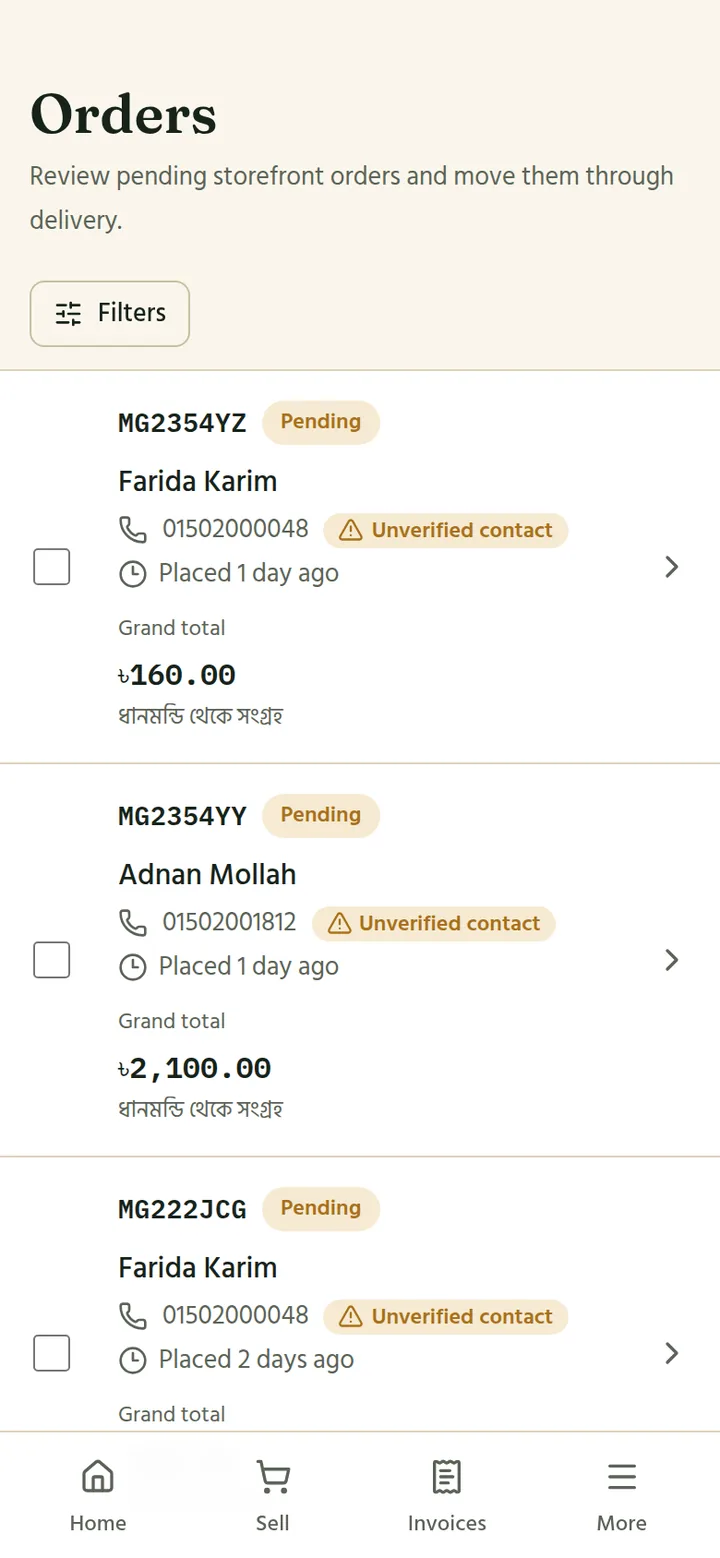
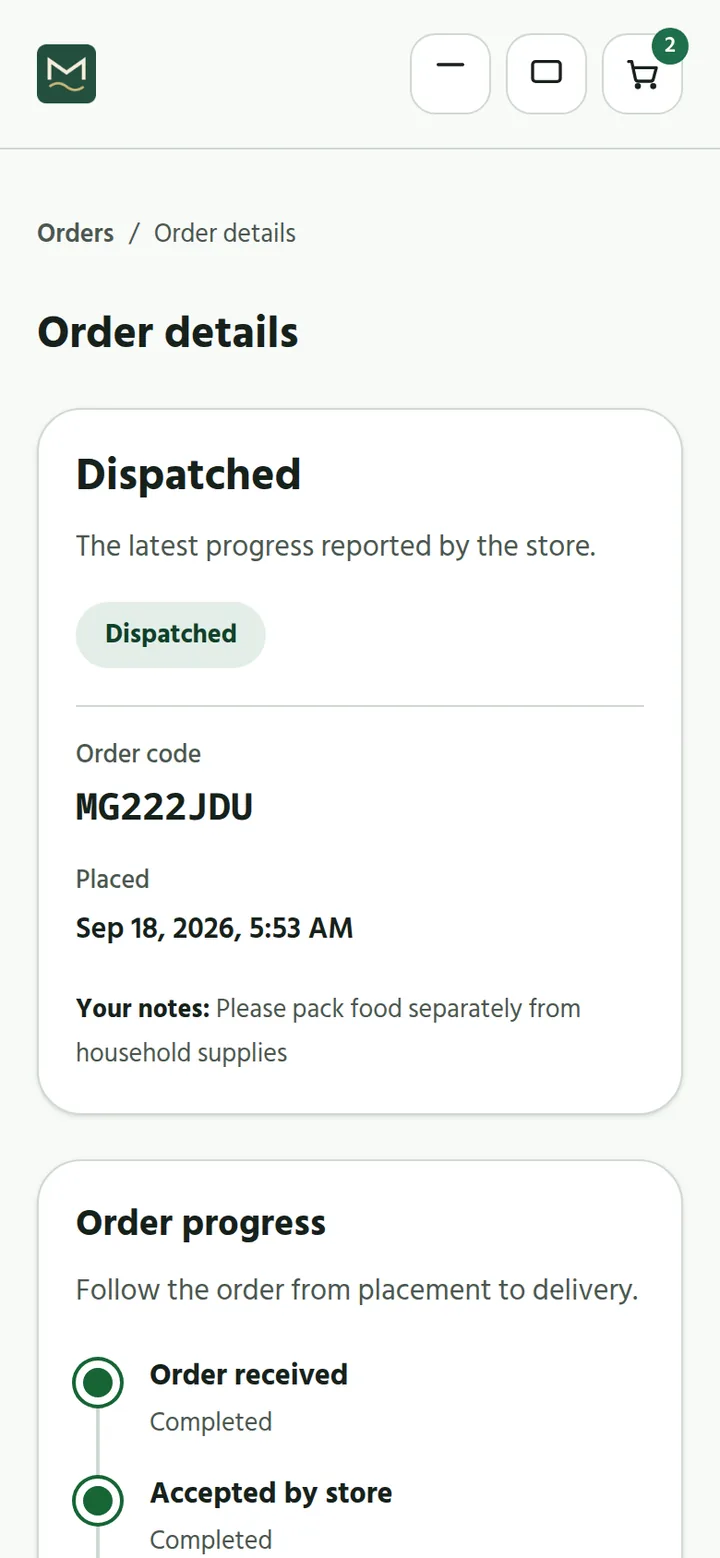
Online orders arrive in a queue. Accept them at the outlet that has the stock, dispatch, mark them delivered, and record the cash collected. Each step updates stock, the invoice, and the customer's balance for you.
Products and inventory
Organize a simple catalogue or a detailed stock operation without giving up clarity. Start simple and switch on the extra parts only when you need them.
Keep product details, sizes and colours, prices, and pack sizes organized so the right item is easy to find. Group products by category and brand so your team and your shoppers can browse.
Review quantities, movements, adjustments, and low-stock items instead of relying on a separate count that quickly becomes outdated. Open cartons into pieces, or pack pieces back into cartons, without losing count.
Keep stock organized by outlet and record transfers so everyone can see where products are available. Customer balances can be tracked per outlet too.
If you make what you sell, write down what goes into each product once. Record a production run and Ledgeo takes the materials out of stock and puts the finished goods in, with a history of every batch.
Customers and accounts
Each customer gets one place for invoices, payments, returns, outstanding amounts, and statements. Merge duplicate customers when the same person was added twice, and link a customer's phone number so they can see their own balance, invoices, and orders when they sign in to Ledgeo.
Owners and teams
Create roles such as counter sales, stockkeeper, or store manager, limit a person to one outlet if needed, and invite them by phone number. Each person sees only the screens their job needs.
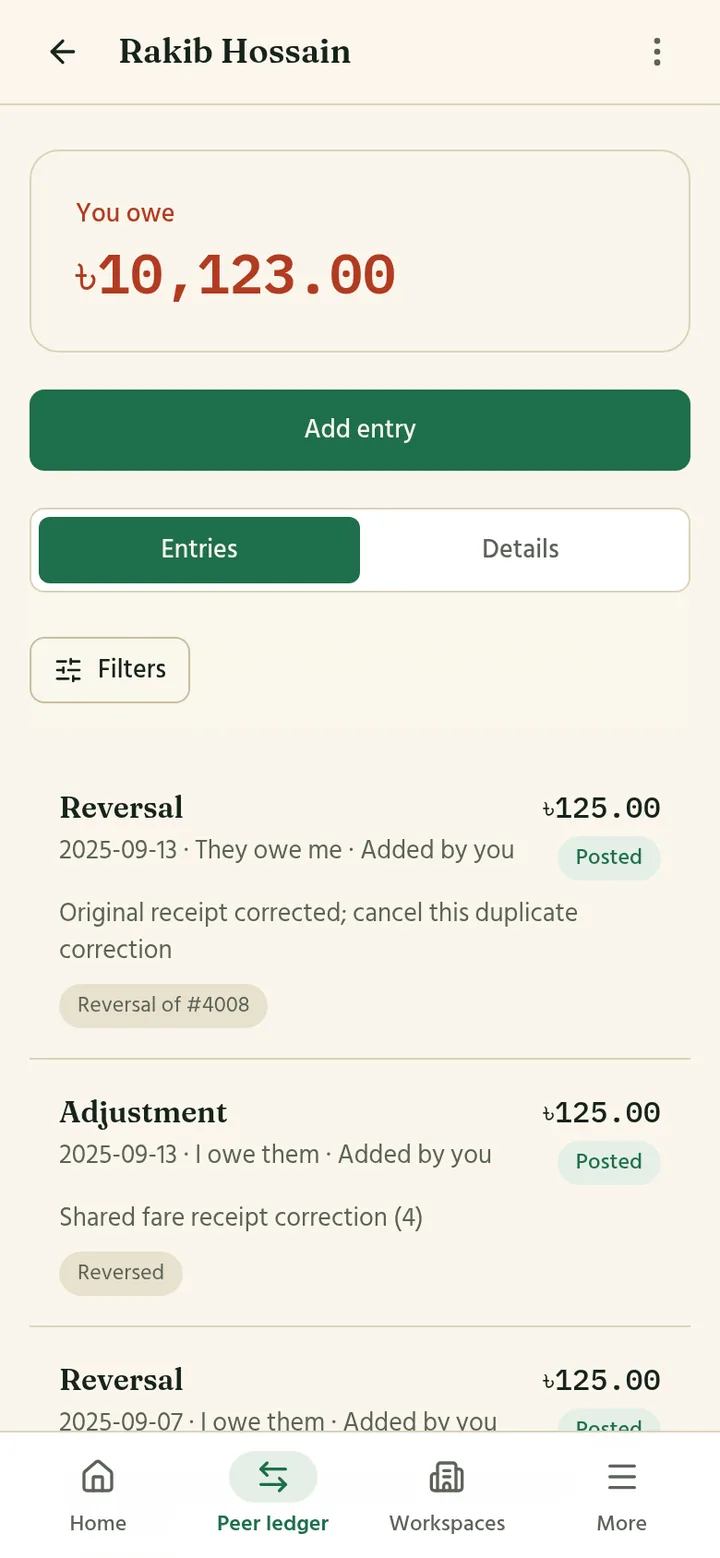
Keep a clear ledger of important entries and see how invoices, payments, returns, and stock activity connect. Nothing is quietly erased; corrections are recorded as new entries.
Use reports for revenue, cash collected, top customers, sales by product, stock value, pending deliveries, delivery activity, and returns, filtered by period and outlet.
Personal money
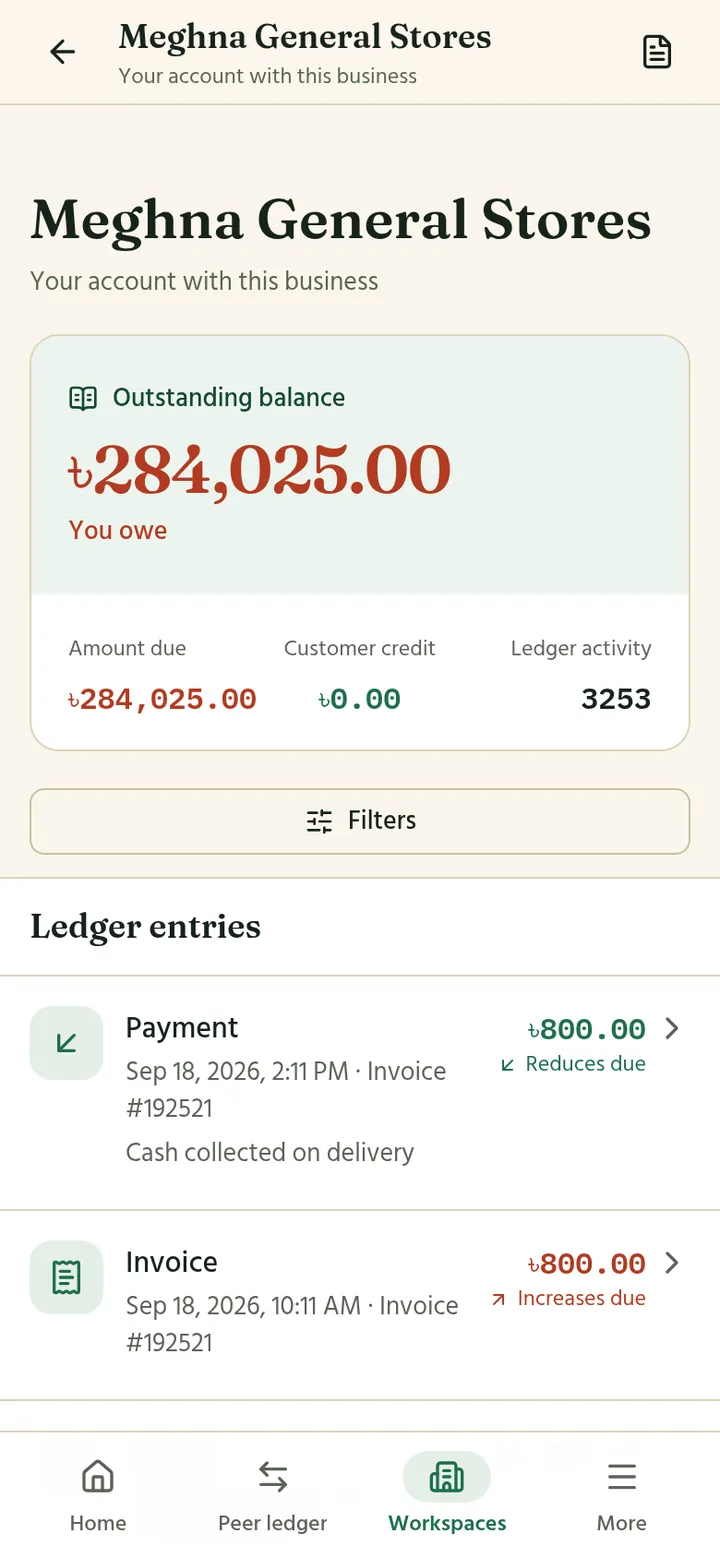
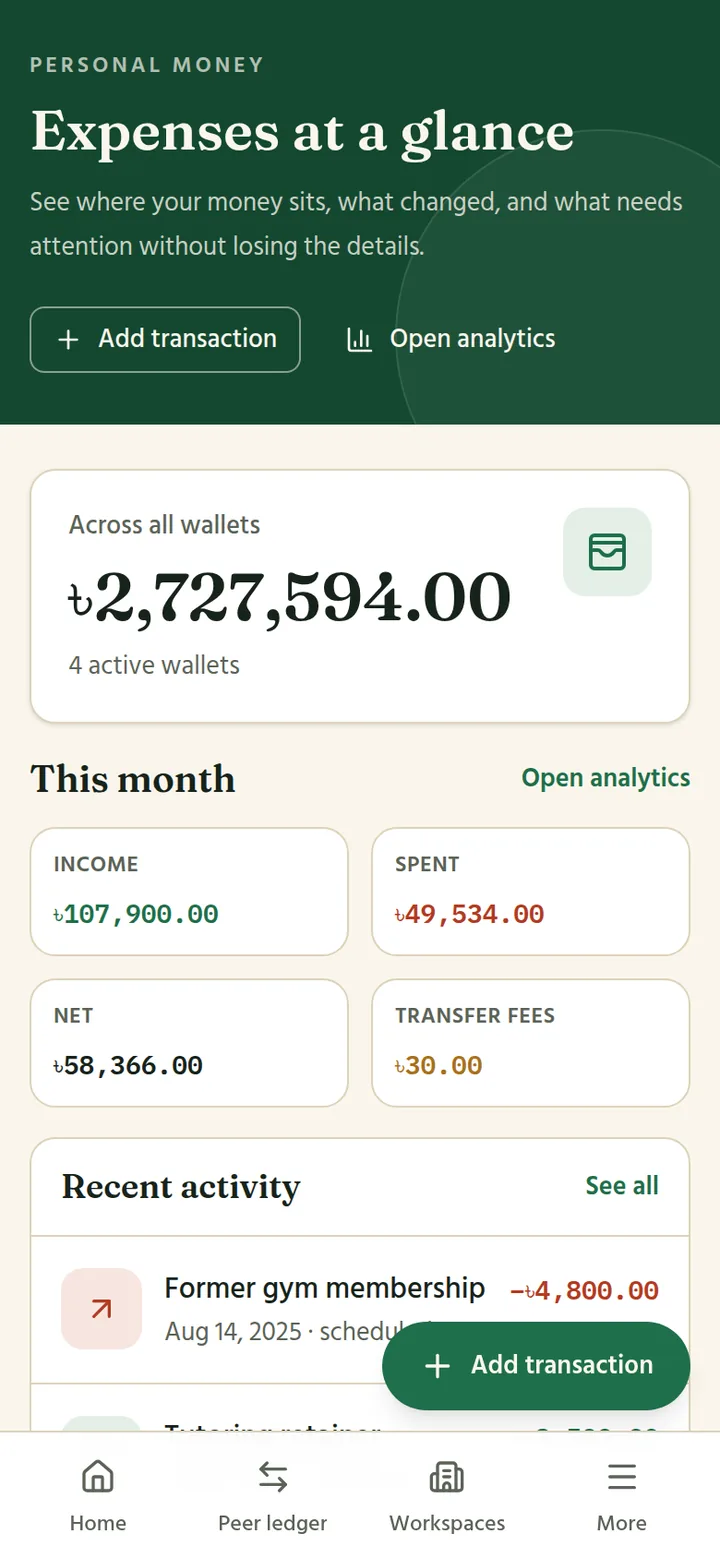
The same account has a personal side: expenses across cash, bank, and mobile wallets; budgets by category; recurring bills that appear when they are due; and money between you and other people, with a shared statement both sides can check. What you owe each business that uses Ledgeo, along with your invoices, orders, and reviews, lives here too.
Start with the workflow you need today and switch on the online store, outlets, or recipes as your business grows.